Introducing Rugix Admin 0.5
Manage system updates, application workloads, and component compatibility on individual Rugix devices through a local web interface.

- rugix
- release
- ota
- embedded linux
- device management
Today, we are releasing Rugix Admin 0.5, an open-source, browser-based interface for operating individual devices running Rugix Ctrl.
When developing, demonstrating, diagnosing, or servicing a Rugix-powered device, you often need quick answers to practical questions: Which system is running? Has it been committed? Are the application workloads healthy? Why is an update incompatible? Rugix Ctrl provides the commands and automation interfaces for these tasks. Rugix Admin brings them together in a visual workflow that is easier to use when working directly with a device.
Rugix Admin 0.5 is the first stable release, with a complete redesign of the interface and underlying architecture compared with the initial experimental versions. It gives developers and operators a clear view of one device and lets them act without switching between shell commands, logs, and configuration files.
See What Is Running
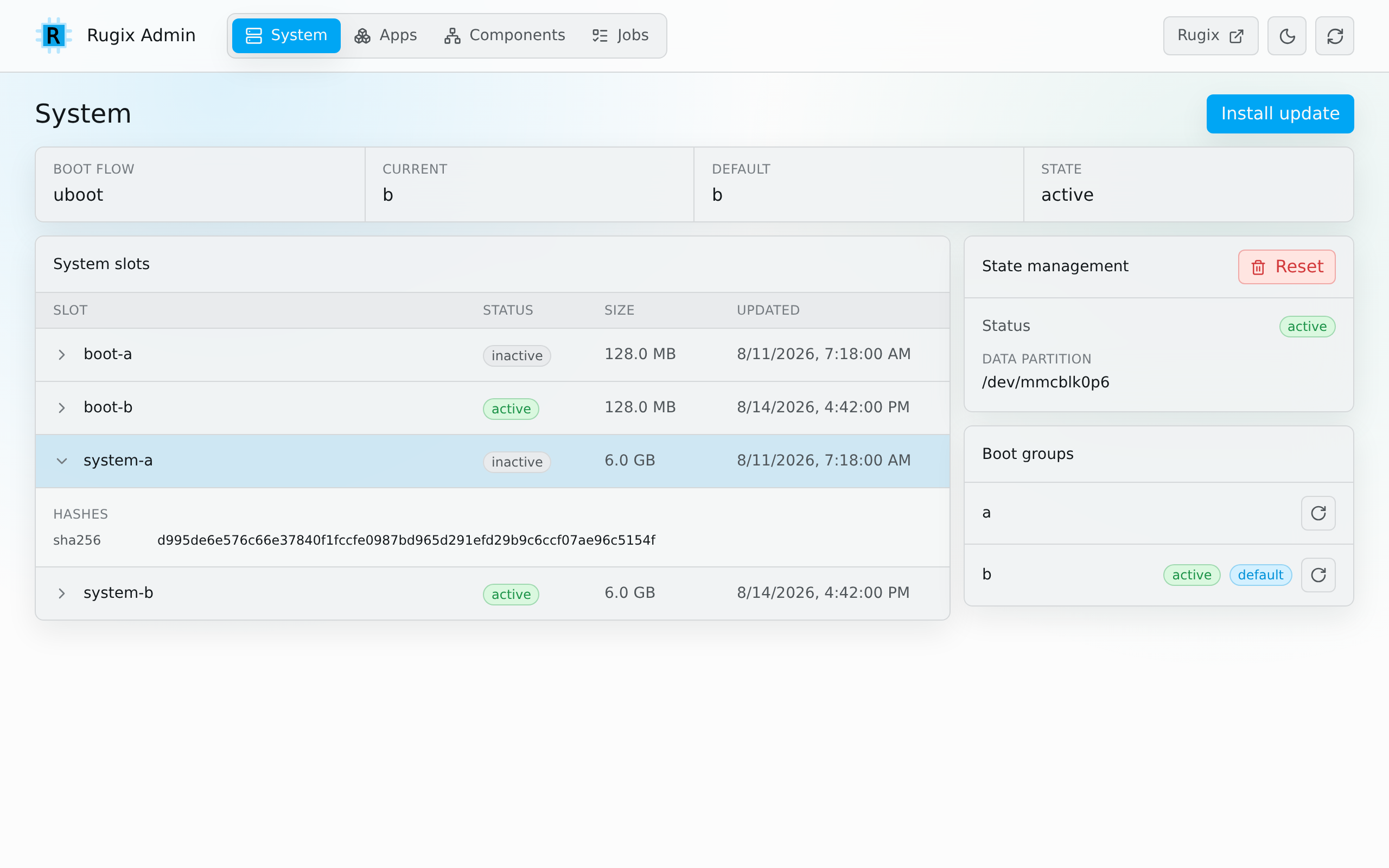
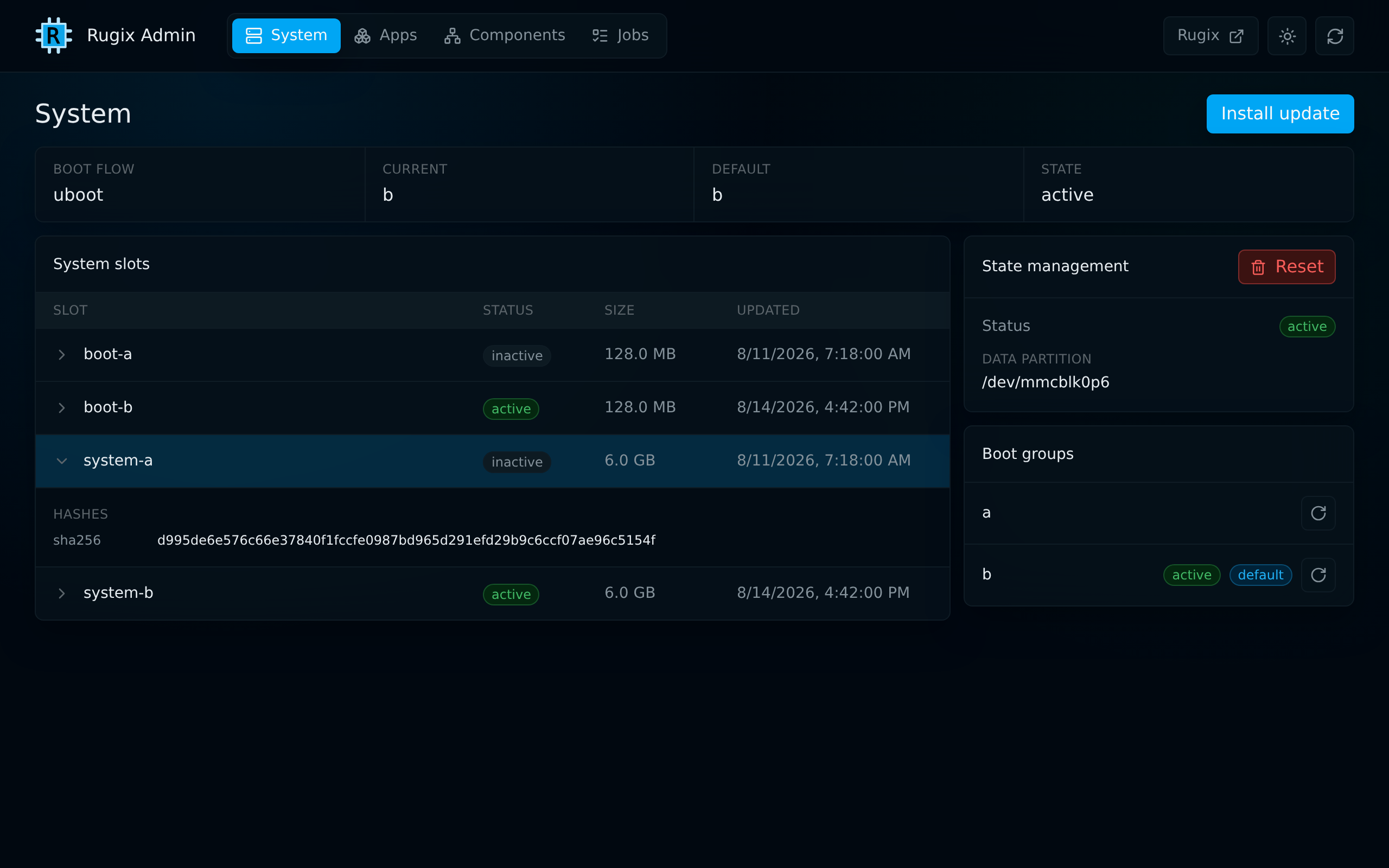
After provisioning a device or deploying an update, the first question is usually whether the device is running the expected system. The System view makes that answer immediately visible. It shows the active and default systems, the configured boot flow, the contents of the system slots, and the status of persistent state.
From the same page, an operator can upload a system update or install one from a URL, follow its progress, reboot into the updated system, and commit it after validation. Recovery actions such as rebooting into another boot group or resetting persistent state are available when permitted by the device’s Rugix Ctrl policy.
This is useful throughout the device lifecycle: while testing an update workflow during development, confirming the state of a demonstration unit, or checking which system is active during field service.
https://device.local/#/system
Manage Application Workloads
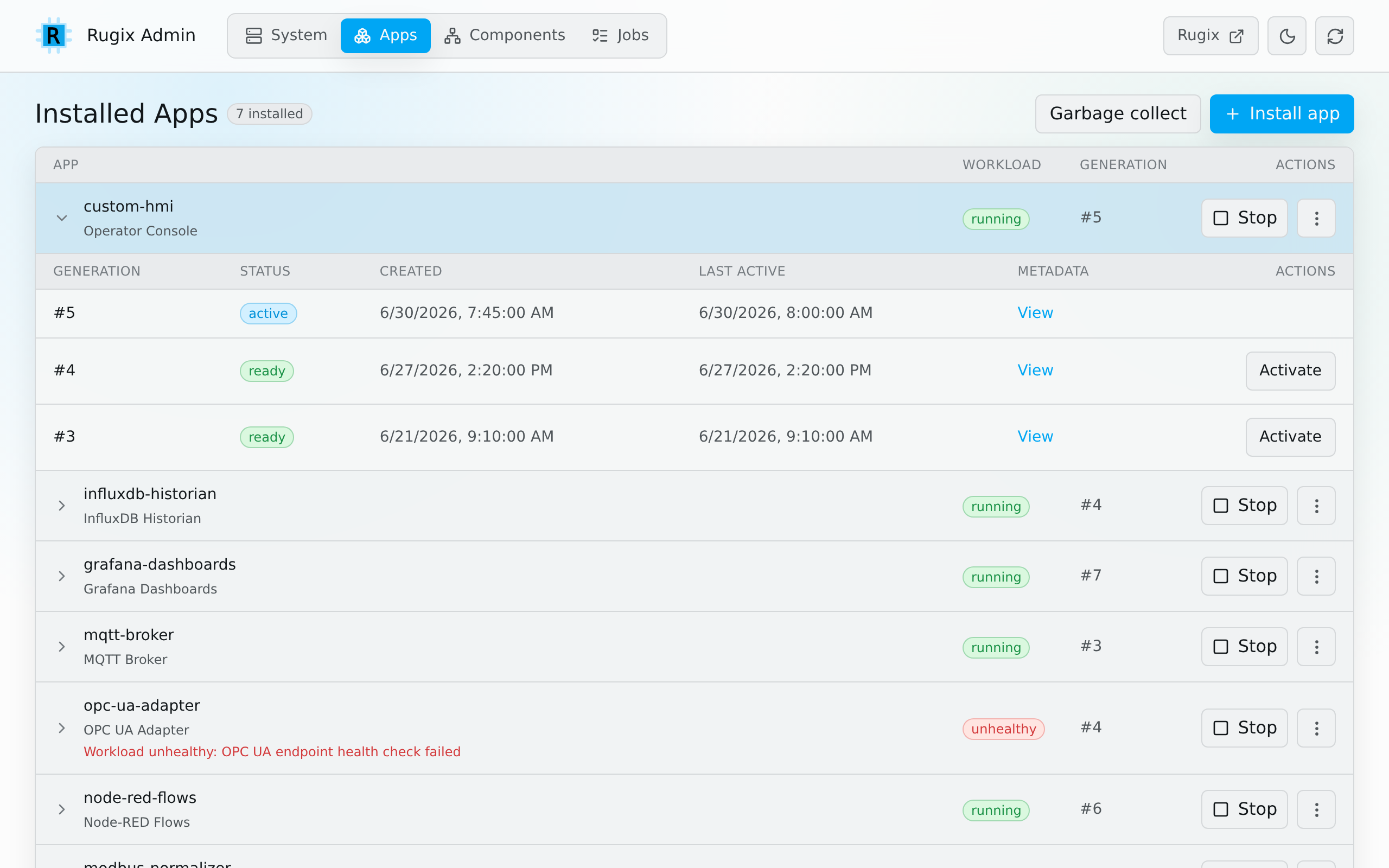
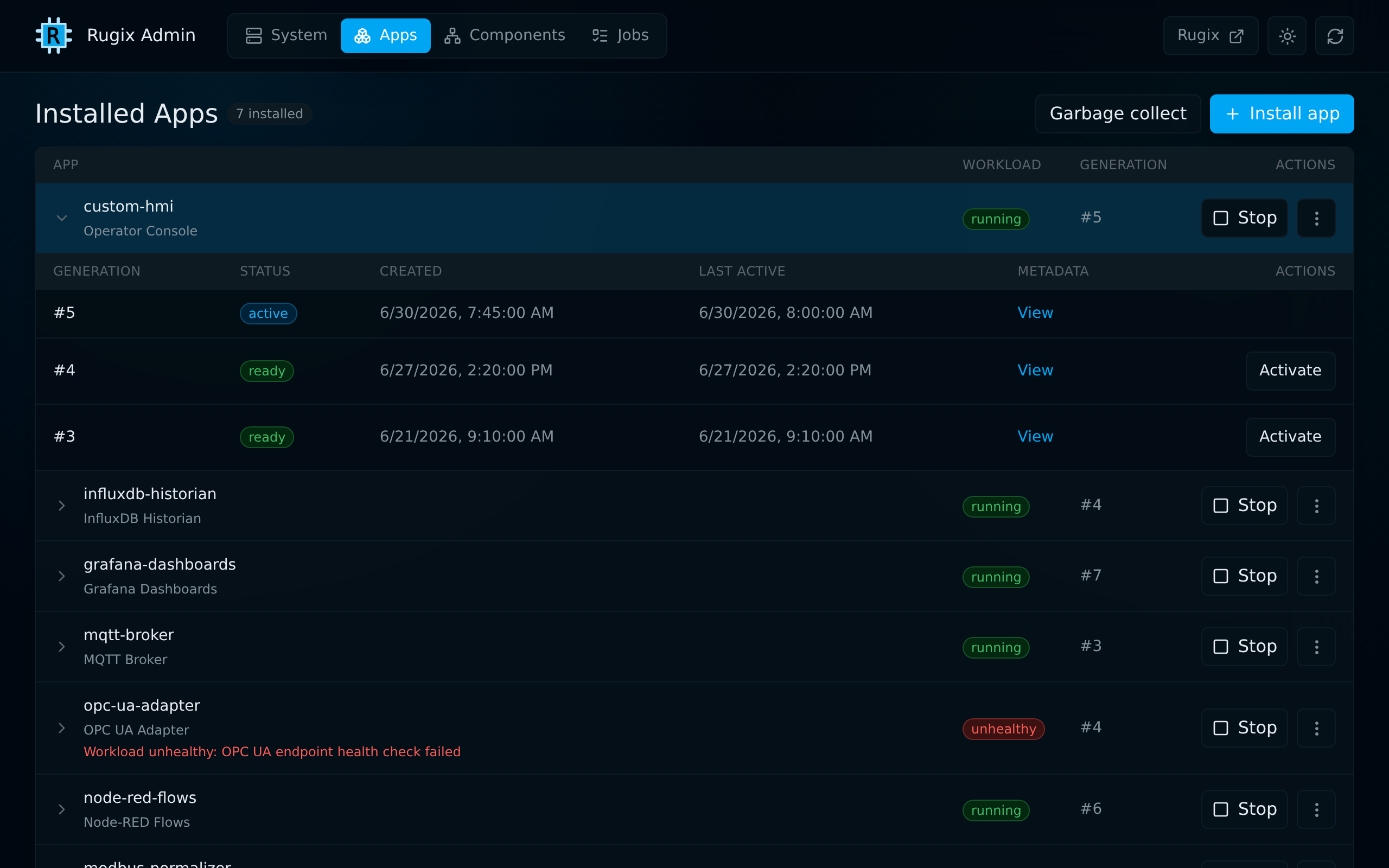
Rugix Apps lets application workloads evolve independently of the base system while retaining crash-safe deployment and rollback. Rugix Admin provides a direct view of each application’s lifecycle state, workload health, metadata, and installed generations.
An operator can install an application bundle from a file or URL, start and stop the workload, activate a specific generation, roll back, remove the application, or clean up old generations. This makes it straightforward to test a new application release on a development device and gives a field technician the same focused workflow when an application needs attention on-site.
https://device.local/#/apps
Understand Compatibility Problems
An update can be authentic and intact while still being wrong for a device. For example, an application may require a newer base system, target another hardware revision, or conflict with a workload that is already installed.
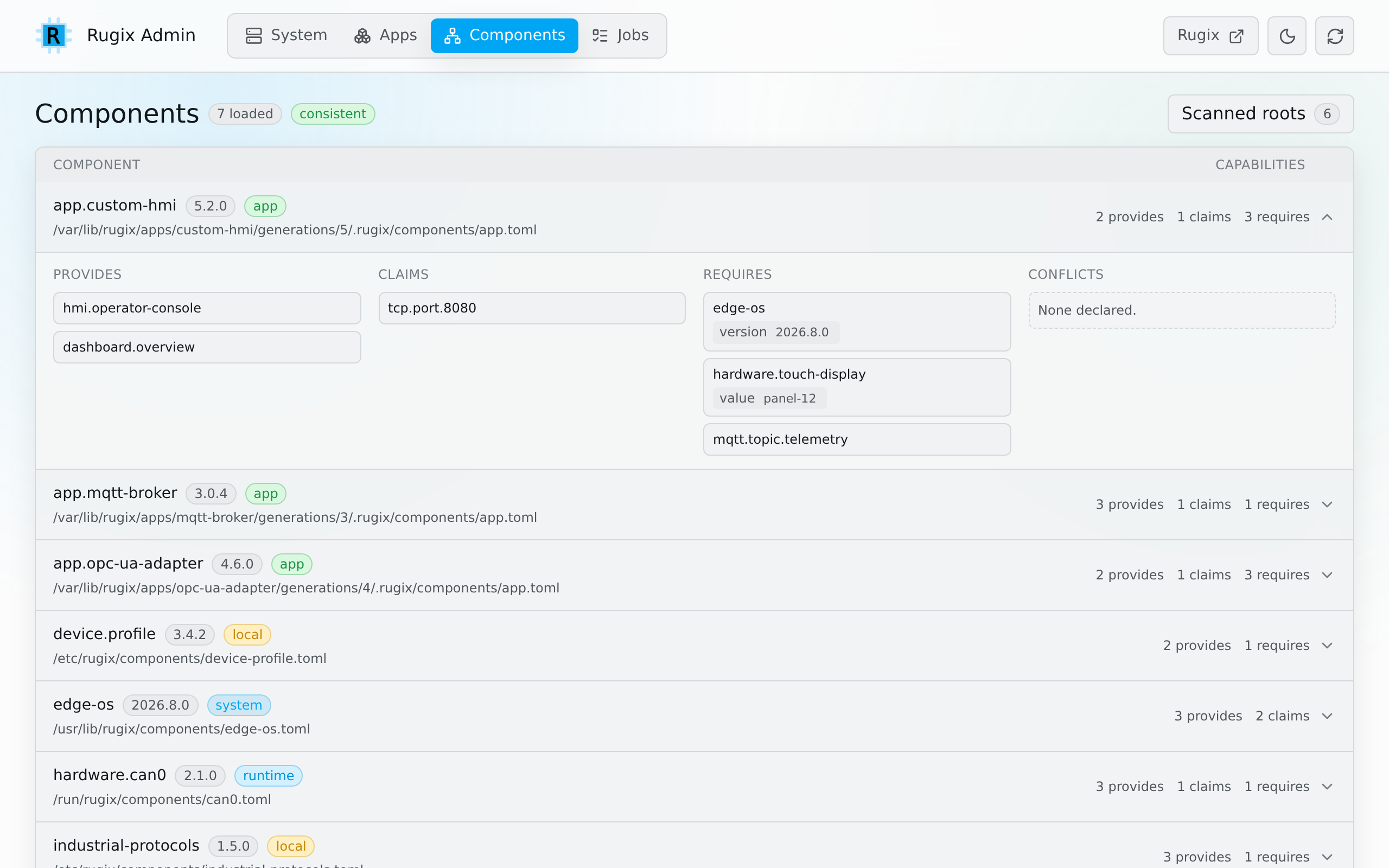
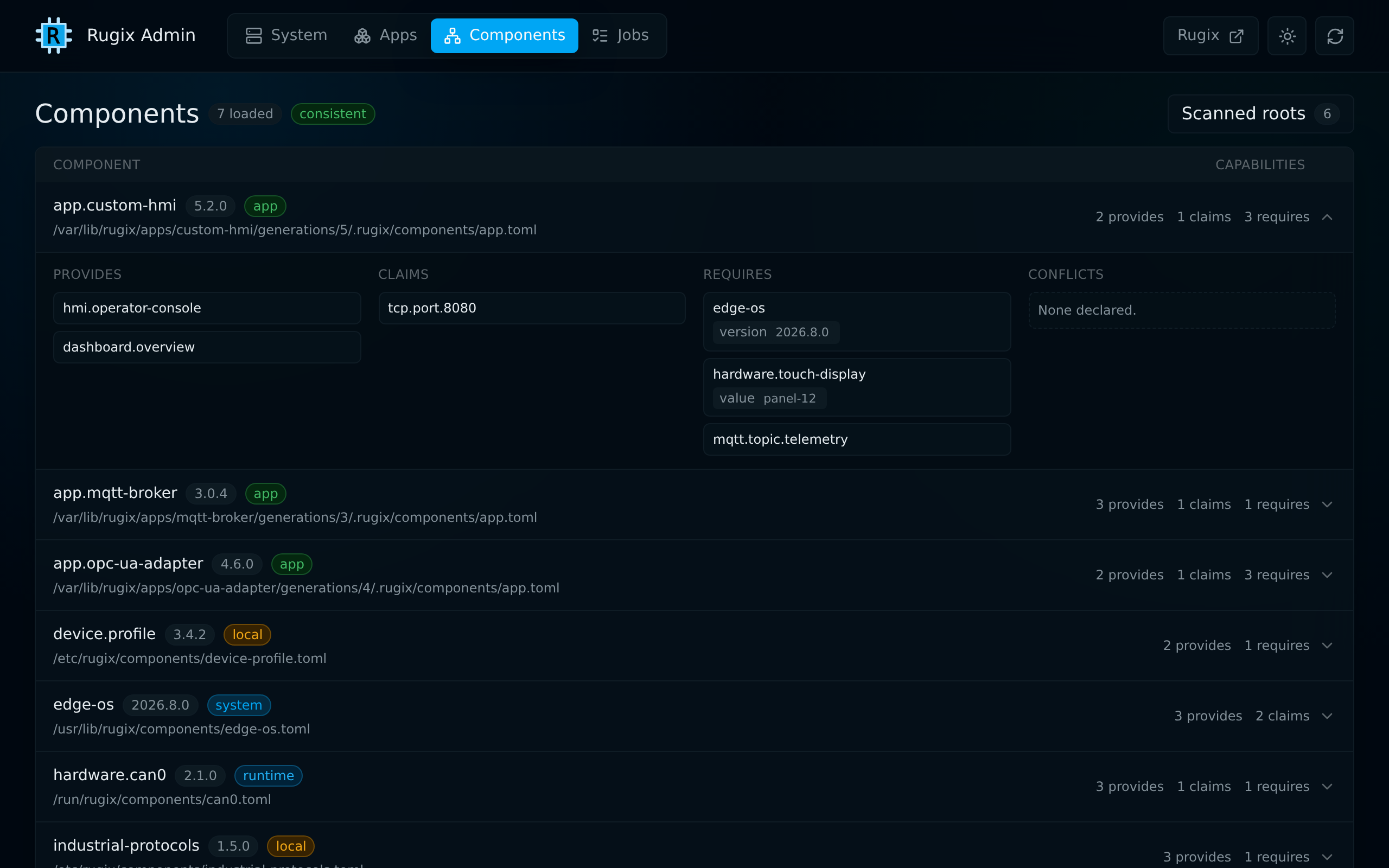
Rugix Ctrl’s component compatibility checks prevent these combinations from being installed. Rugix Admin helps users understand the result. The Components view shows how the device’s hardware, base system, runtimes, and applications relate to one another and explains the metadata behind a compatibility problem.
https://device.local/#/components
Add It to Your Existing Workflow
Rugix Admin has ready-made integrations for Rugix Bakery and Yocto. For systems built with Rugix Bakery, add the rugix-extra/rugix-admin and core/rugix-ctrl-daemon recipes to the system image. For Yocto-based products, the official meta-rugix layer provides a rugix-admin recipe. In both cases, the interface can ship as part of the same tested system image as the rest of the device software.
For evaluation on an existing device, a standalone installer supports Debian-based systems with systemd on x86-64, 64-bit Arm, and 32-bit Arm. Rugix Admin embeds its frontend in the release binary, so there is no separate web application to deploy.
Get Started
Follow the Rugix Admin installation guide to add it to a device, and review the configuration and security guidance before making the interface reachable over a network.
We welcome your feedback and contributions in the Rugix Admin repository. If you have questions or want to discuss a deployment, join our Discord community.
Need to manage Rugix-powered devices across an entire fleet? Nexigon is the fleet management platform from the team behind Rugix. It provides staged system and application rollouts, live progress, remote device access, and a fleet-wide view of your deployments. Get started with Rugix and Nexigon.